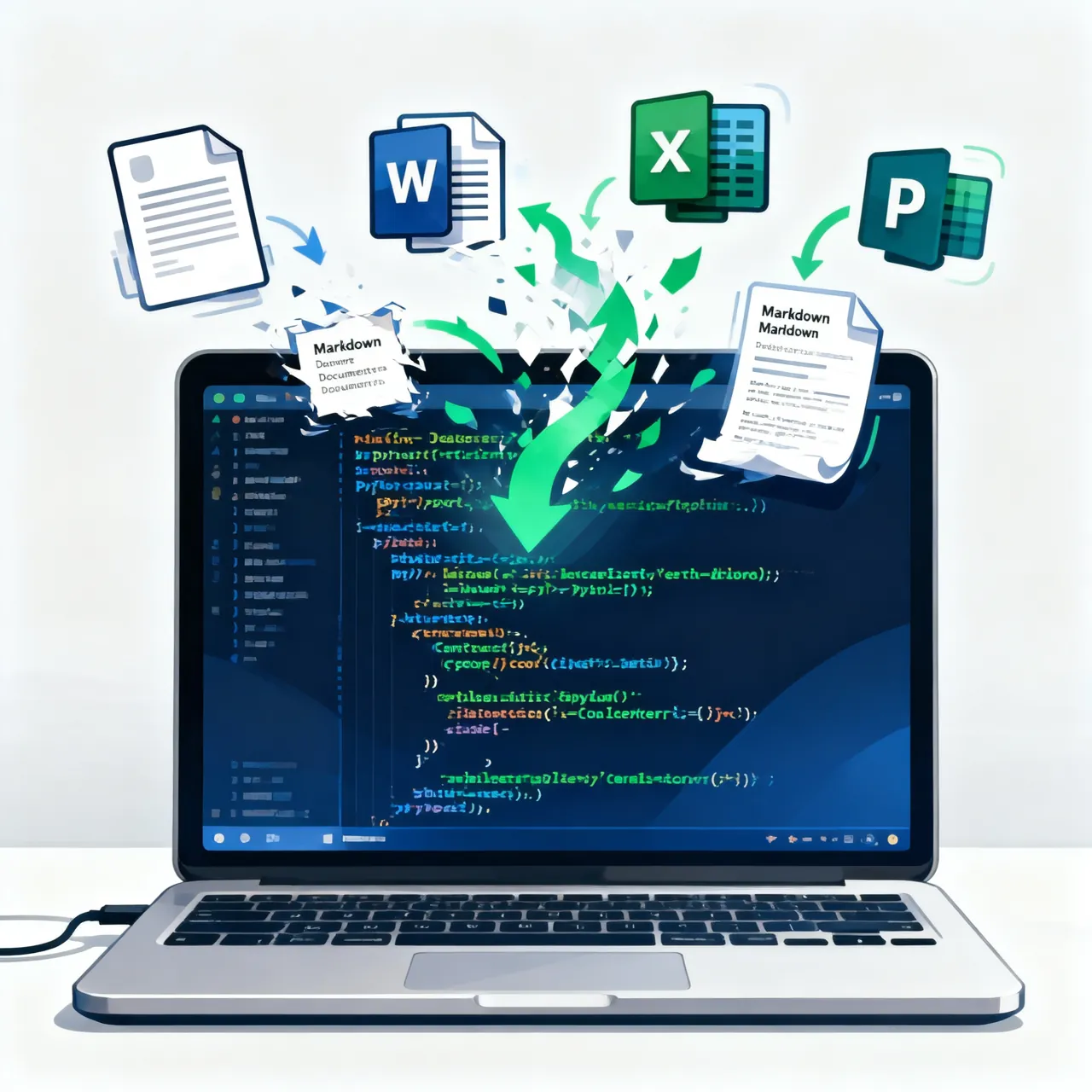
MarkItDown とは?
MarkItDown は、Microsoft の AutoGen チームがオープンソース化した軽量な Python ツールです。あらゆるファイル形式を Markdown に変換することに特化しています。現在 GitHub で 54k 以上の Star を獲得しており、ドキュメントから Markdown への変換ツールの中でも最も人気のあるオープンソースプロジェクトの一つです。
なぜ MarkItDown が必要なのか?
LLM(大規模言語モデル)の時代において、Markdown はほぼ最高のデータ交換フォーマットになっています。
- LLM がそのまま理解できる:GPT-4 や Claude などのモデルは、訓練時に大量の Markdown データに触れており、見出し、リスト、表、コードブロックなどの構造を正確に認識できます
- Token 効率が高い:HTML やリッチテキストと比べて、Markdown のマークアップが少なく、コンパクトです
- プレーンテキストにやさしい:バイナリデータがないので、バージョン管理やテキスト分析が簡単です
しかし実際には、私たちの知識資産は PDF、Word、Excel、PowerPoint、さらには音声や動画に散らばっています。MarkItDown の核心的な価値はまさにここにあります:コマンド一行で、これらの異種ドキュメントを LLM フレンドリーな Markdown に統一することです。
対応フォーマット
| フォーマットカテゴリ | 対応ファイルタイプ |
|---|---|
| オフィスドキュメント | Word (.docx)、PowerPoint (.pptx)、Excel (.xlsx)、Outlook (.msg) |
| すべての標準 PDF ファイル(スキャン版の OCR にも対応) | |
| データファイル | CSV、JSON、XML |
| マルチメディア | 画像(EXIF + OCR)、音声(文字起こし)、YouTube 動画(字幕抽出) |
| 電子書籍 | EPUB |
| 圧縮ファイル | ZIP(内部ファイルを自動走査) |
| ウェブページ | HTML |
MarkItDown vs textract
| 機能 | textract | MarkItDown |
|---|---|---|
| 出力フォーマット | プレーンテキスト | Markdown(構造を保持) |
| LLM 対応 | 普通 | 優秀(LLM 専用に設計) |
| マルチメディア対応 | 弱い | 画像 OCR + 音声文字起こし + YouTube |
| プラグインシステム | なし | あり(コミュニティで拡張可能) |
| Azure 統合 | なし | Document Intelligence + Content Understanding |
| Star 数 | ~10k | ~54k+ |
インストールとクイックスタート
環境要件
MarkItDown は Python 3.10 以上 が必要です。依存関係の衝突を避けるため、仮想環境の使用をおすすめします。
# 仮想環境を作成
python3 -m venv .venv
source .venv/bin/activate

# MarkItDown をインストール(フル版、全フォーマットの依存を含む)
pip install 'markitdown[all]'
ヒント:特定のフォーマットだけ必要であれば、按需インストールで依存のサイズを減らせます: ```bash
PDF + Word + Excel のみサポート
pip install 'markitdown[pdf,docx,xlsx]' ```
コマンドラインでの使い方
一番簡単な使い方です。単一のファイルを素早く変換するのに適しています。
# PDF を Markdown に変換してターミナルに出力
markitdown 報告書.pdf

# -o で出力ファイルを指定
markitdown 年次報告書.pdf -o 年次報告書.md

# パイプで複数のファイルを一括変換
cat 契約書.pdf | markitdown -o 契約書.md

# Word ドキュメントを変換
markitdown 製品説明.docx -o 製品説明.md

# Excel スプレッドシートを変換
markitdown 財務報告書.xlsx -o 財務報告書.md
Python API での使い方
コードの中で使えばもっと柔軟に操作できます。自動化ワークフローへの統合に最適です。
from markitdown import MarkItDown

# 変換器を初期化
md = MarkItDown()

# ローカルファイルを変換
result = md.convert("製品マニュアル.pdf")
print(result.text_content)

# リモートファイルを変換
result = md.convert("https://example.com/report.pptx")
print(result.text_content)
MarkItDown はバイトストリームやファイルオブジェクトからの変換にも対応しています。アップロードファイルの処理などに便利です。
from markitdown import MarkItDown
from io import BytesIO

md = MarkItDown()

# バイトストリームから変換(ユーザーがアップロードしたファイルなど)
with open("財務報告書.xlsx", "rb") as f:
    result = md.convert_stream(f, file_extension=".xlsx")
    print(result.text_content)
実践:MarkItDown + LLM ワークフロー
MarkItDown が最も力を発揮する使い方です。ドキュメントを Markdown に変換した後、そのまま LLM に渡して分析、要約、Q&A に活用できます。
シナリオ一:PDF 論文の要約
from markitdown import MarkItDown
from openai import OpenAI

# 1. 論文 PDF を Markdown に変換
md = MarkItDown()
result = md.convert("research_paper.pdf")

# 2. OpenAI で要約を生成
client = OpenAI(api_key="your-api-key")
response = client.chat.completions.create(
    model="gpt-4o",
    messages=[
        {"role": "system", "content": "あなたは研究アシスタントです。以下の論文を要約してください。"},
        {"role": "user", "content": result.text_content[:8000]}  # Token 長に注意
    ]
)
print(response.choices[0].message.content)
シナリオ二:企業ドキュメントの一括処理
一批の企業ドキュメントからキー情報を抽出するケースです。
import os
from markitdown import MarkItDown

md = MarkItDown()
document_dir = "/path/to/documents"

# ディレクトリ内の全対応ファイルを変換
supported_extensions = {".pdf", ".docx", ".pptx", ".xlsx", ".csv", ".html", ".epub"}

for filename in os.listdir(document_dir):
    ext = os.path.splitext(filename)[1].lower()
    if ext in supported_extensions:
        filepath = os.path.join(document_dir, filename)
        result = md.convert(filepath)

        # Markdown ファイルとして保存
        output_path = os.path.splitext(filepath)[0] + ".md"
        with open(output_path, "w", encoding="utf-8") as f:
            f.write(result.text_content)
        print(f"✅ {filename} → {os.path.basename(output_path)}")
シナリオ三:YouTube 動画のコンテンツ抽出
MarkItDown は YouTube の URL から直接字幕テキストを抽出できます。動画コンテンツの分析に非常に便利です。
from markitdown import MarkItDown

md = MarkItDown()

# YouTube URL を渡すだけで字幕を自動抽出
result = md.convert("https://www.youtube.com/watch?v=dQw4w4WgXcQ")
print(result.text_content[:500])
上級機能
プラグインシステム
MarkItDown はコミュニティのプラグインで機能を拡張できます。OCR プラグインを使えば、画像内の文字も抽出できるようになります。
# OCR プラグインをインストール
pip install markitdown-ocr openai

# コード内で有効化
from markitdown import MarkItDown
from openai import OpenAI

md = MarkItDown(
    enable_plugins=True,
    llm_client=OpenAI(api_key="your-api-key"),
    llm_model="gpt-4o"
)

# 画像を含むドキュメントを変換(画像の内容も OCR で抽出される)
result = md.convert("画像入りドキュメント.pdf")
print(result.text_content)
Azure 統合
エンタープライズユーザーは、Azure Document Intelligence や Content Understanding を使って、より高品質の変換が可能です。
# Azure サポートをインストール
pip install 'markitdown[az-content-understanding]'
from markitdown import MarkItDown

# Azure Content Understanding で高精度変換
md = MarkItDown(
    cu_endpoint="https://your-resource.cognitiveservices.azure.com/",
    cu_key="your-api-key"
)

# ドキュメント、画像、音声、動画の統合変換をサポート
result = md.convert("complex_document.pdf")
print(result.text_content)
Azure Content Understanding は次のような機能も提供します。 - 構造化フィールドの抽出:請求書の金額や契約日を自動認識 - カスタムアナライザー:Azure Content Understanding Studio で設定可能 - 動画処理:内蔵変換器では動画に対応していないが、CU なら可能
RAG システムとの統合
MarkItDown は RAG(Retrieval-Augmented Generation)システムを構築するためのデータ前処理ツールとして理想的です。
from markitdown import MarkItDown
from langchain.text_splitter import RecursiveCharacterTextSplitter
from langchain.embeddings import OpenAIEmbeddings
from langchain.vectorstores import Chroma

# 1. ドキュメントを Markdown に変換
md = MarkItDown()
result = md.convert("企業ナレッジベース.pdf")

# 2. テキストをチャンクに分割
splitter = RecursiveCharacterTextSplitter(
    chunk_size=1000,
    chunk_overlap=200
)
chunks = splitter.split_text(result.text_content)

# 3. ベクトルデータベースを構築
embeddings = OpenAIEmbeddings()
db = Chroma.from_texts(chunks, embeddings)

# 4. 関連ドキュメントを検索
query = "会社の有給休暇ポリシーは?"
results = db.similarity_search(query, k=3)

for doc in results:
    print(f"---\n{doc.page_content}\n")
セキュリティ上の注意点
MarkItDown のドキュメントでは、セキュリティの考慮事項も特に言及されています。
MarkItDown はカレントプロセスの権限で I/O 操作を実行します。信頼できない環境では、入力をサニタイズし、
convert_stream()のような最も狭い範囲の変換関数を呼び出してください。
実践上のアドバイス:
# ✅ おすすめ:最も狭い範囲の変換関数を使う
from markitdown import convert_stream, convert_local

# 変換範囲を制限
with open("untrusted_file.pdf", "rb") as f:
    result = convert_stream(f, file_extension=".pdf")

# ❌ 避けるべき:ユーザー入力パスをそのまま信用する
# md.convert(user_input_path)
まとめ
MarkItDown は LLM 時代の最も実践的なペインポイントを解決してくれます。各所に散らばったドキュメントを、マシンが読める形式にする方法です。手動でのコピペや不安定なパーサーに頼る代わりに、MarkItDown は標準化されたパスを提供します。
- フォーマットカバーが幅広い — PDF、Office から音声、動画まで、ほぼすべての一般的なフォーマットをカバー
- LLM 専用に最適化 — 出力は Markdown。モデルの理解度が最も高く、Token 消費が最小限
- 統合しやすい — コマンドラインなら一行で完了。Python API はどんなワークフローにも埋め込み可能
- 拡張可能 — プラグインシステム + Azure 統合で、エンタープライズグレードの機能がすぐに使える
主要リソース: - GitHub リポジトリ(54k+ Star) - PyPI パッケージ - プラグイン開発ガイド
AI アプリケーション、ナレッジベースシステム、ドキュメント処理フローを構築しているなら、MarkItDown はツールボックスに加える価値のあるオープンソースの強力な武器です。