wigolo란 무엇인가?
Claude Code, Cursor, Codex 같은 AI 코딩 Agent로 코드를 작성하다 보면 치명적인 한계를 마주하게 됩니다. 기본적으로 인터넷에 접속할 수 없다는 점입니다. Agent가 최신 문서를 찾거나, 어떤 API 사용법을 검색하거나, 기술 블로그를 읽어야 할 때 — 오직 학습 데이터에 포함된 예전 지식에만 의존할 수밖에 없습니다. 빠르게 변화하는 기술 생태계에서는 이걸로는 턱없이 부족합니다.
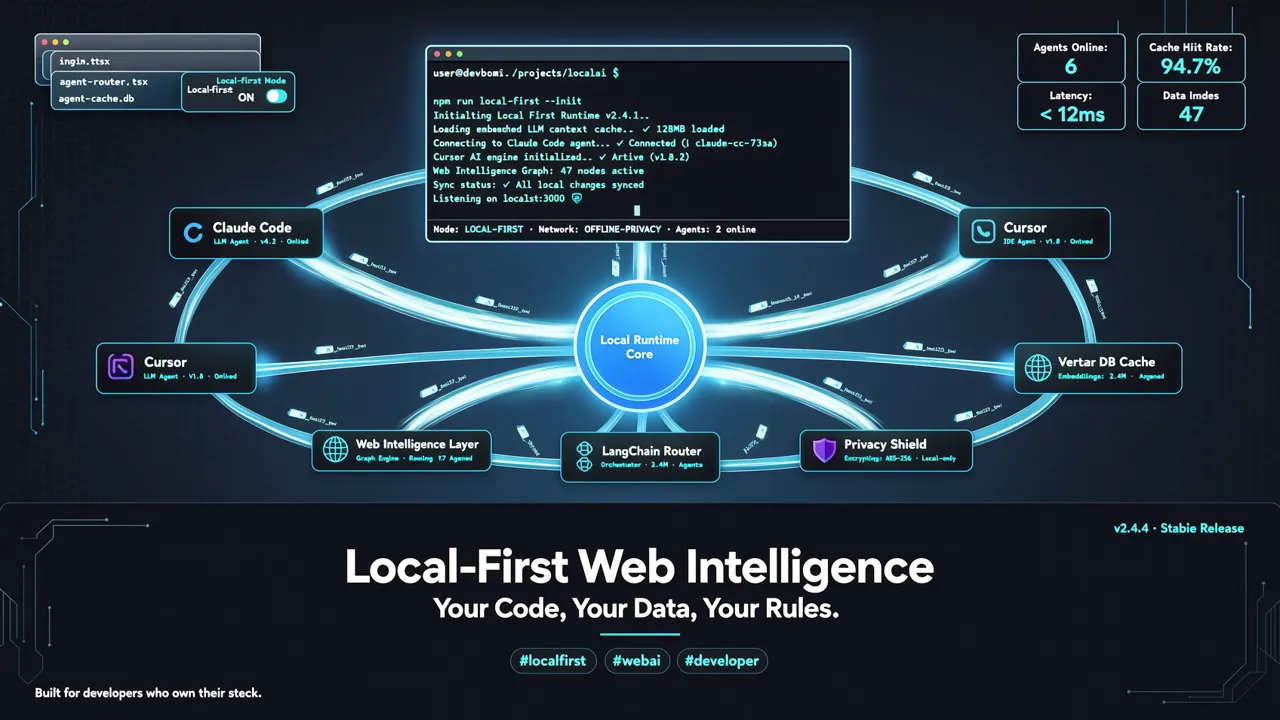
wigolo는 이 문제를 해결하기 위해 만들어진 오픈소스 도구입니다. 로컬 우선(local-first) 방식의 웹 인텔리전스 MCP 서버로, 모든 AI Agent에 검색, 크롤링, 추출, 리서치 기능을 제공합니다. API Key가 필요 없고 완전 무료입니다.
| 항목 | 정보 |
|---|---|
| GitHub | KnockOutEZ/wigolo |
| Stars | 1,750+ (GitHub Trending 등재) |
| 언어 | TypeScript (Node.js ≥ 20) |
| 라이선스 | MIT 오픈소스 |
| 지원 플랫폼 | macOS / Linux / Windows |
wigolo로 무엇을 할 수 있나?
wigolo는 10개의 핵심 MCP 도구 함수를 제공하며, AI Agent에 필요한 모든 웹 기능을 갖추고 있습니다.
- search — 검색엔진 쿼리 (API Key 불필요, 로컬 실행)
- fetch — 웹 페이지 콘텐츠 가져오기 및 본문 추출
- crawl — 전체 사이트 크롤링, 여러 페이지 탐색
- extract — 웹 페이지에서 데이터 구조화 추출
- cache — 로컬 영구 캐시로 중복 요청 방지
- find-similar — 특정 콘텐츠와 유사한 페이지 찾기
- research — 자율 리서치 루프, 여러 출처 정보 종합 (LLM 필요)
- gather — 자동 수집 루프, 주제별 자료 모으기
- doctor — 상태 진단, 설정 문제 확인
- status — 실행 상태 및 통계 확인
모든 핵심 기능은 ~/.wigolo/ 디렉토리에서 완전히 오프라인으로 실행됩니다. 데이터가 사용자 컴퓨터를 떠나지 않습니다.
설치 및 빠른 시작
환경 요구사항
- Node.js ≥ 20
- 약 1.5 GB 디스크 공간
원클릭 설치
wigolo 설치는 매우 간단합니다. 한 줄의 명령어면 됩니다.
npx wigolo init --agents=claude-code
이 명령어는 자동으로 다음 작업을 수행합니다: 1. 브라우저 엔진 및 로컬 모델 다운로드 2. 상태 진단(health check) 실행 3. MCP 설정 파일 자동 작성
--agents 파라미터로 다음 Agent를 자동 설정할 수 있습니다:
- claude-code — Claude Code
- cursor — Cursor IDE
- codex — ChatGPT Codex
- gemini-cli — Gemini CLI
- vscode — VS Code
- windsurf — Windsurf IDE
- zed — Zed IDE
- antigravity — Antigravity
설치가 완료되면 다음 명령어로 언제든지 상태를 확인할 수 있습니다.
npx wigolo doctor
모든 것이 정상이면 모든 컴포넌트에 녹색 상태 보고서가 표시됩니다.
다른 Agent와 통합하기
자동 설정 목록에 없는 MCP 클라이언트(LangChain, CrewAI, n8n 등)를 사용한다면 수동으로 등록할 수 있습니다.
# --agents 없이 실행하여 수동 설정
npx wigolo init
그런 다음 MCP 설정 파일에 다음을 추가하세요.
{
  "mcpServers": {
    "wigolo": {
      "command": "npx",
      "args": ["-y", "wigolo", "stdio"]
    }
  }
}
완전 제거
더 이상 필요하지 않다면 한 줄로 깔끔하게 정리할 수 있습니다.
npx wigolo config --uninstall --yes
고급 사용법
LLM 기반 리서치 기능 활성화하기
wigolo의 검색, 크롤링 등 핵심 기능은 API Key가 전혀 필요하지 않습니다. 하지만 더 강력한 research와 gather 기능(여러 정보 출처를 종합하기 위해 LLM이 필요함)을 사용하려면 무료 Gemini API Key 하나면 충분합니다.
export WIGOLO_LLM_PROVIDER=gemini
export GEMINI_API_KEY="your-free-key"
Google AI Studio에서 무료로 Key를 신청할 수 있습니다. 무료 할당량으로 충분히 사용 가능합니다.
다른 LLM 제공자도 지원합니다:
- anthropic — Claude API
- openai — OpenAI API
- groq — Groq API
- ollama — 로컬 Ollama (완전 오프라인)
REST API 서비스로 실행하기
원격 Agent(예: VPS에 배포된 n8n 자동화)에서도 wigolo를 사용하려면 serve 모드를 시작하세요.
npx wigolo serve --port 3000
그런 다음 curl로 호출할 수 있습니다.
curl -X POST http://localhost:3000/mcp \
  -H "Content-Type: application/json" \
  -d '{"jsonrpc":"2.0","id":1,"method":"tools/call","params":{"name":"search","arguments":{"query":"latest Rust async best practices"}}}'
Claude Code와 실제 활용하기
wigolo는 Claude Code와 함께 사용할 때 가장 효과적입니다. 실제 워크플로우 예시를 보겠습니다.
상황: 새로운 라이브러리의 최신 사용법 찾기
Claude Code에 이렇게 요청하세요.
wigolo로 "Rust tokio 2026 best practices"를 검색해서 최신 작성법을 정리해줘
Claude Code가 자동으로 wigolo의 search 도구를 호출해 검색 결과를 가져오고, 여러 페이지의 정보를 종합해 정확하고 최신의 요약을 제공합니다.
유사 도구와 비교
| 기능 | wigolo | 브라우저 검색 플러그인 | 기존 MCP 검색 도구 |
|---|---|---|---|
| API Key 필요 여부 | ❌ 불필요 | ❌ 불필요 | ✅ 대부분 필요 |
| 유료 여부 | ✅ 무료 | 유료 가능 | 호출당 과금 |
| 데이터 프라이버시 | ✅ 전부 로컬 저장 | 제3자 전송 | 제3자 전송 |
| Agent 지원 | ✅ 네이티브 MCP 지원 | 브라우저 플러그인 전용 | 일부 지원 |
| 로컬 캐싱 | ✅ 내장 | ❌ 없음 | 보통 없음 |
| 자율 리서치 루프 | ✅ research 도구 | ❌ 없음 | ❌ 없음 |
wigolo의 가장 큰 장점은 로컬 우선이라는 점입니다. 모든 검색 기록, 캐시 데이터, 리서치 결과는 ~/.wigolo/ 디렉토리에 저장되며, 어떤 클라우드 서비스로도 업로드되지 않습니다.
자체 배포方案
팀 사용 시나리오의 경우 wigolo를 VPS에 배포하여 여러 개발자의 Agent가 동일한 검색 인스턴스를 공유할 수 있습니다.
Docker 배포
FROM node:20-slim
RUN npm install -g wigolo
EXPOSE 3000
CMD ["npx", "wigolo", "serve", "--port", "3000"]
Nginx 리버스 프록시
server {
    listen 443 ssl;
    server_name wigolo.yourdomain.com;

    location /mcp {
        proxy_pass http://localhost:3000;
        proxy_set_header Host $host;
    }
}
자주 묻는 질문
wigolo는 안전한가요? 데이터가 유출되나요?
유출되지 않습니다. wigolo는 로컬 우선 도구로, 모든 데이터는 ~/.wigolo/ 디렉토리에 저장됩니다. 검색 기록이나 캐시 데이터를 외부 서버로 전송하지 않습니다. 자세한 내용은 privacy & security 문서를 참고하세요.
Agent가 wigolo를 호출할 때 너무 느리면 어떻게 하나요?
npx wigolo doctor로 진단해보세요. 로컬 모델 다운로드가 완료되지 않았다면 첫 검색이 느릴 수 있습니다. 한 번 검색한 결과는 캐시되므로 이후 쿼리는 훨씬 빨라집니다.
wigolo는 어떤 검색엔진을 지원하나요?
wigolo는 여러 검색엔진과 크롤링 기능을 내장하고 있으며 외부 API가 필요 없습니다. 플러그인 시스템을 통해 커스텀 검색엔진과 콘텐츠 추출기를 추가할 수도 있습니다.
마무리
wigolo는 현재 가장 성숙한 오픈소스 로컬 웹 인텔리전스 MCP 서버입니다. AI 코딩 Agent가 인터넷에 접속할 수 없는 치명적 공백을 메워줍니다. 핵심 가치는 다음과 같습니다.
- 제로 비용 — 핵심 기능이 완전 무료이며 API Key가 필요 없음
- 프라이버시 우선 — 모든 데이터를 로컬에 저장
- 즉시 사용 가능 — 한 줄 명령어로 설치와 Agent 통합 완료
- 기능 완성도 — 검색, 크롤링, 추출, 리서치, 캐싱 전 영역 커버
- 높은 확장성 — 플러그인, SDK, REST API, Docker 배포 지원
AI 코딩 워크플로에 웹 검색 기능이 빠져 있다면, wigolo가 현재 최고의 선택입니다.
📌 관련 링크 - wigolo GitHub - wigolo 문서 - wigolo MCP 마켓 페이지