Continue.dev: Open Source AI Programming Assistant, Intelligent Pair Programming Partner in VS Code
title: Continue.dev: Open Source AI Programming Assistant, Intelligent Pair Programming Partner in VS Code date: 2025-03-02 slug: continue-dev authors: [kevinpeng] categories: - AI Tools tags: - Continue.dev - AI Programming - VS Code - Code Assistant description: Continue.dev is an open source AI code assistant plugin that supports VS Code and JetBrains IDEs. Can connect to any large model, provides intelligent completion, code explanation, refactoring optimization and other functions, is the best open source alternative to GitHub Copilot. cover: https://res.makeronsite.com/dashen-tech.com/continue-dev-cover.webp
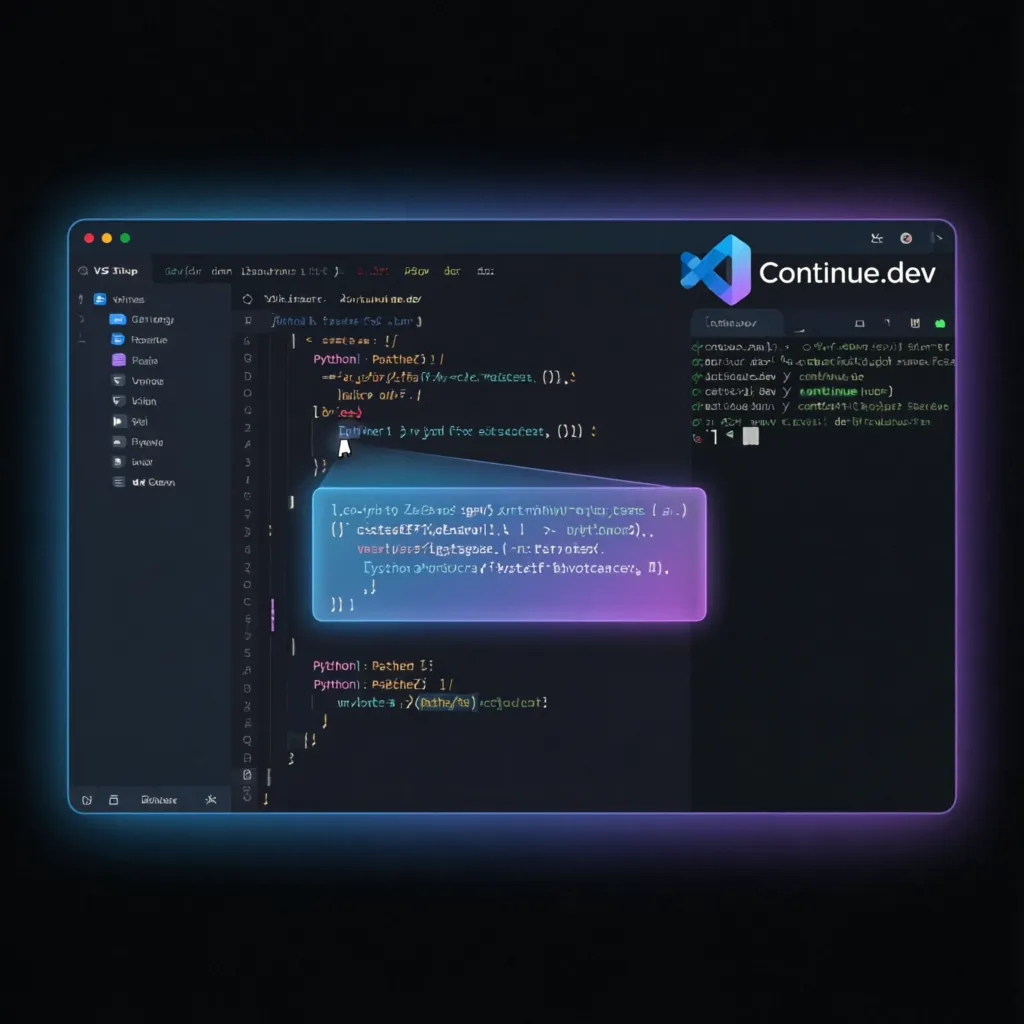
As a developer, are you also looking for a powerful and flexible AI programming assistant? The Continue.dev I'm introducing today is exactly an open source tool that can deeply integrate into your IDE to help improve your programming efficiency.
What is Continue.dev?
Continue.dev is an open source AI code assistant plugin that supports VS Code and JetBrains series IDEs. Unlike commercial tools like GitHub Copilot, Continue itself doesn't provide AI models, but acts as a flexible "bridge" that lets you freely connect to any large language model (LLM), including commercial models and open source models.
Currently Continue has gained over 21,000 stars on GitHub, becoming one of the most popular open source projects among developers.
Project Links: - GitHub: https://github.com/continuedev/continue - Official Website: https://www.continue.dev - Documentation: https://docs.continue.dev
Core Features
1. Intelligent Code Completion
Continue provides context-aware code completion functionality, supporting multiple programming languages. It can understand your code structure and intent, providing accurate completion suggestions to help you quickly complete code writing.
2. Natural Language Interaction
Select any code segment, ask questions or give instructions in natural language, and Continue will provide suggestions, explain code, generate test cases, or even perform code refactoring based on context.
3. Support for Any Large Model
This is one of Continue's biggest advantages. You can freely choose which models to connect: - Commercial Models: GPT-4o, Claude 3.5 Sonnet, Gemini, etc. - Open Source Models: Llama 3, Mistral, Qwen, etc. - Local Models: Local models running through Ollama
4. Flexible Context Selection
You can select any file, function, or class as context, allowing AI to more accurately understand your codebase. Supports @ symbol for quick context reference.
5. Custom Commands
Through configuration of custom commands, achieve one-click generation of Git commit messages, writing unit tests, adding documentation comments, and other automated operations.
Installation and Configuration
Installation Steps
- Open VS Code, enter the extension marketplace (
Ctrl+Shift+X) - Search for
Continue - Click install
After installation, click the Continue icon in the sidebar to start using.
Model Configuration
Continue provides both visual configuration and config.json file configuration methods.
Claude 3.5 Sonnet Configuration Example:
{
  "title": "Claude 3.5 Sonnet",
  "provider": "anthropic",
  "model": "claude-3-5-sonnet-latest",
  "apiKey": "your-anthropic-api-key"
}
Ollama Local Model Configuration:
{
  "title": "Ollama",
  "provider": "ollama",
  "model": "llama3.1:8b"
}
Configure Code Completion Model
Continue allows you to specify a separate model for code completion, such as using Mistral's Codestral:
{
  "tabAutocompleteModel": {
    "title": "Tab Autocomplete",
    "provider": "mistral",
    "model": "codestral-latest",
    "apiKey": "your-codestral-api-key"
  }
}
Custom Context Providers
Add commonly used context sources like URLs, clipboard, etc.:
{
  "contextProviders": [
    { "name": "url" },
    { "name": "clipboard" },
    { "name": "file" },
    { "name": "codebase" }
  ]
}
Custom Commands
Create shortcut commands, like generating Git commit messages:
{
  "customCommands": [
    {
      "name": "commit",
      "description": "Generate Git commit message",
      "prompt": "Generate a concise Git commit message for the following code changes:"
    },
    {
      "name": "test",
      "description": "Generate unit tests",
      "prompt": "Generate complete unit tests for the selected code, including edge case tests."
    }
  ]
}
Practical Tips
1. Using .continuerules File
Create a .continuerules file in the project root directory to define team coding standards or preference settings. Continue will automatically apply these rules with each request.
# Project Coding Standards
- Write code using TypeScript
- Use camelCase for function naming
- All functions must include JSDoc comments
- Prefer async/await over Promise
2. Right-Click Menu Quick Actions
After selecting code, right-click to quickly execute: - Explain code - Optimize performance - Add comments - Fix issues - Generate tests
3. Using / Commands
Enter / in the chat box to quickly call preset commands like /commit, /test, /doc, etc.
Suitable Users
| User Group | Recommendation Reason |
|---|---|
| Independent Developers | Free and open source, can connect to local models, protects code privacy |
| Team Development | Supports custom rules, unifies code style |
| Learning Programming | Code explanation function helps understand complex logic |
| AI Enthusiasts | Supports any model, can freely experiment with different LLMs |
| Budget Conscious | Compared to Copilot subscription fees, can use free quotas or local models |
Getting Started Difficulty
Difficulty Level: ⭐⭐☆☆☆ (Easy to start, flexible for advanced use)
- Basic Usage: Can use immediately after installation, visual configuration is user-friendly
- Advanced Configuration: Requires editing JSON config files, suitable for developers with some experience
- Local Deployment: Requires configuring Ollama and other local model runtime environments
Advantages and Disadvantages
✅ Advantages
- Completely open source, active community
- Supports any large model, extremely flexible
- Can connect to local models, code stays local
- Rich configuration, highly customizable
- Free to use, no subscription fees
⚠️ Disadvantages
- No Agent functionality yet, cannot automatically modify files
- Global chat mode and sidebar chat records are not synchronized
- Some advanced features require certain configuration experience
Summary
Continue.dev is one of the best open source AI programming assistants currently available. Its greatest value lies in its openness - not tied to specific models, allowing you to choose freely based on your needs. Whether you're pursuing privacy with local deployment or performance with cloud large models, Continue can satisfy.
For developers looking for GitHub Copilot alternatives, or teams hoping for more flexible AI assistant control, Continue is definitely worth trying.
Get Started: Search for "Continue" in the VS Code extension marketplace to install.
Article Author: Kevin Peng, TechXArtisan Team. Focuses on open source tools and developer efficiency improvement.