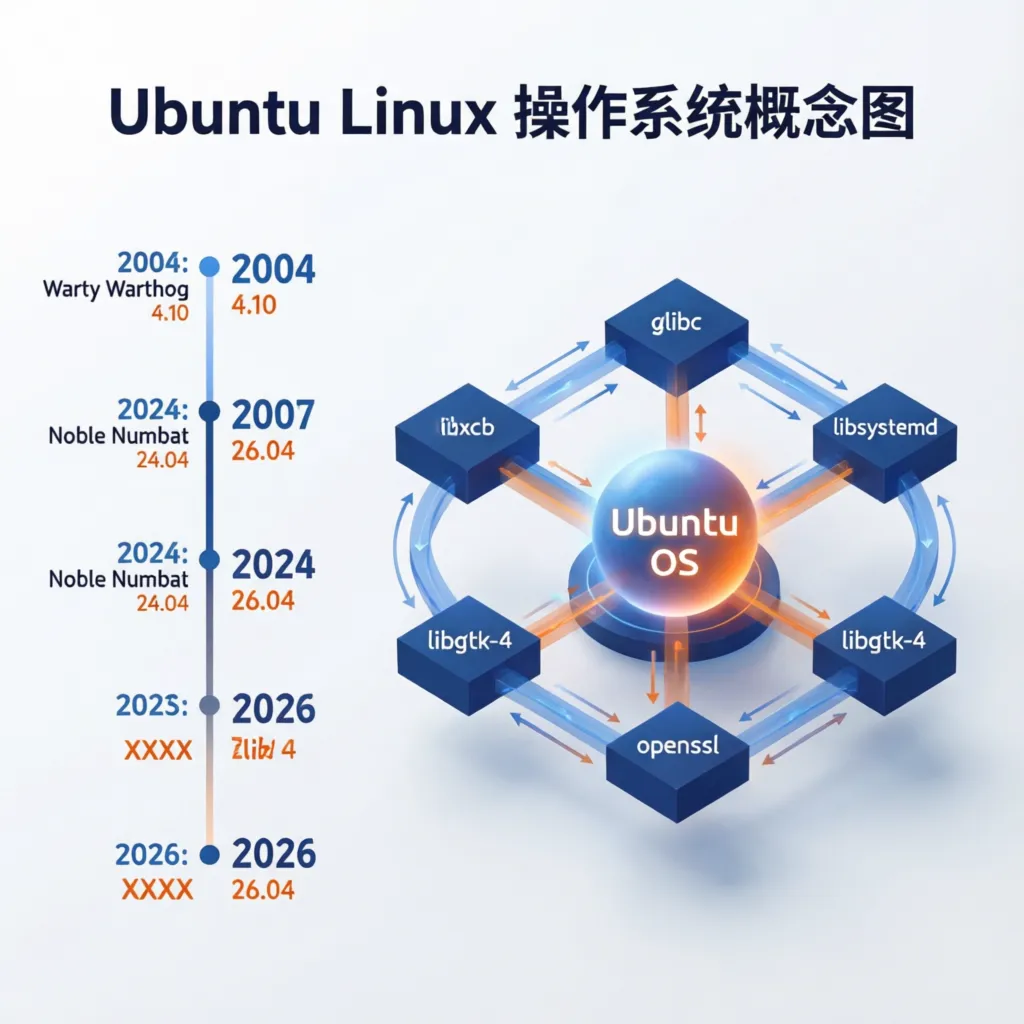
Exploring Ubuntu's History and Dependencies: From Version Evolution to Source Code Viewing
Ubuntu is one of the most popular Linux distributions worldwide, known for its user-friendly interface and strong community support. Its success is inseparable from its dependence on and management of external open-source libraries. This blog post will take you through Ubuntu's development history, help you understand common external dependencies in different versions, and show you how to view the source code of these libraries. Whether you're a beginner or an experienced developer, this article will provide you with useful information.
Ubuntu's Historical Development
Ubuntu's story began in 2004, launched by Mark Shuttleworth, founder of Canonical. Its name comes from the African Zulu language, meaning "humanity" or "care for others," which also reflects Ubuntu's community-driven spirit. Here are several key development milestones:
-
October 2004: Ubuntu 4.10 (Warty Warthog) This was Ubuntu's first version, featuring the GNOME 2.6 desktop environment, laying the foundation for subsequent development.
-
June 2006: Ubuntu 6.06 (Dapper Drake) The first LTS (Long Term Support) version, providing up to 5 years of technical support, beloved by enterprise and individual users.
-
April 2010: Ubuntu 10.04 (Lucid Lynx) Introduced the Unity desktop environment, marking Ubuntu's innovative attempts in user experience.
-
April 2018: Ubuntu 18.04 (Bionic Beaver) Returned to the GNOME desktop environment, providing a more modern and stable experience.
-
April 2022: Ubuntu 22.04 (Jammy Jellyfish) Features GNOME 42, supports the latest hardware and enterprise-level features.
From its initial simple distribution to today's mature system, Ubuntu's history demonstrates the joint progress of technology and community.
External Open-Source Library Dependencies: Ubuntu's Foundation
Ubuntu's powerful functionality depends on many external open-source libraries. These libraries are the foundation for software operation, ensuring that systems and applications can function normally. Here are some common dependencies and their functions:
-
glibc (GNU C Library) Provides implementation of the C language standard library, needed by almost all programs to run.
-
libxcb (X Protocol C Language Binding Library) Supports graphical interface development, an important component for desktop applications.
-
GCC (GNU Compiler Collection) Used for compiling source code, an essential tool for developers.
-
dpkg and APT Respectively the Debian package manager and Advanced Package Tool, responsible for installing, updating, and managing software packages.
-
systemd System and service manager, used for starting and managing background services.
Different versions of Ubuntu may update the versions of these dependencies. For example, the glibc versions in Ubuntu 18.04 and 22.04 may differ, reflecting the system's ongoing optimization for performance and security.
How to View Source Code
Ubuntu is an open-source system, so you can easily view the source code of its dependency libraries. This not only helps you understand how the system works internally, but also provides opportunities for learning and contributing code. Here are the steps using glibc as an example:
Step 1: Install Source Packages
Ubuntu provides source code repositories that can be downloaded through APT tools. Open the terminal and enter the following command:
sudo apt-get source glibc
This will download glibc's source code to the current directory.
Step 2: Browse Source Code
After downloading, enter the source code directory:
cd glibc-*
ls
You'll see glibc's source files and directory structure. You can open files for viewing using a text editor (such as nano or vim).
Step 3: Use Git to Get More Information
Ubuntu's source code is usually hosted on Launchpad. You can clone the complete source code repository with Git:
git clone https://git.launchpad.net/ubuntu/+source/glibc
This will download glibc's Ubuntu version source code, including historical commit records, making it convenient for you to conduct in-depth research.
Through these steps, you can view the source code of any dependency library and explore Ubuntu's internal world.
Conclusion
From its debut in 2004 to becoming a powerful operating system today, Ubuntu's development journey is impressive. External open-source libraries like glibc and libxcb are Ubuntu's core support, while the ability to view source code allows us to glimpse the charm of open-source technology. I hope this blog post helps you better understand Ubuntu's history and dependency management, and inspires you to explore more.
Any questions or experiences you'd like to share? Welcome to leave comments, let's exchange and learn together!
This blog post introduces Ubuntu's history, common external dependencies and their functions in accessible language, and provides specific steps for viewing source code. Whether you want to understand Ubuntu's evolution or get hands-on with exploring code, this article can provide you with practical guidance.