Qu'est-ce que Harper ?
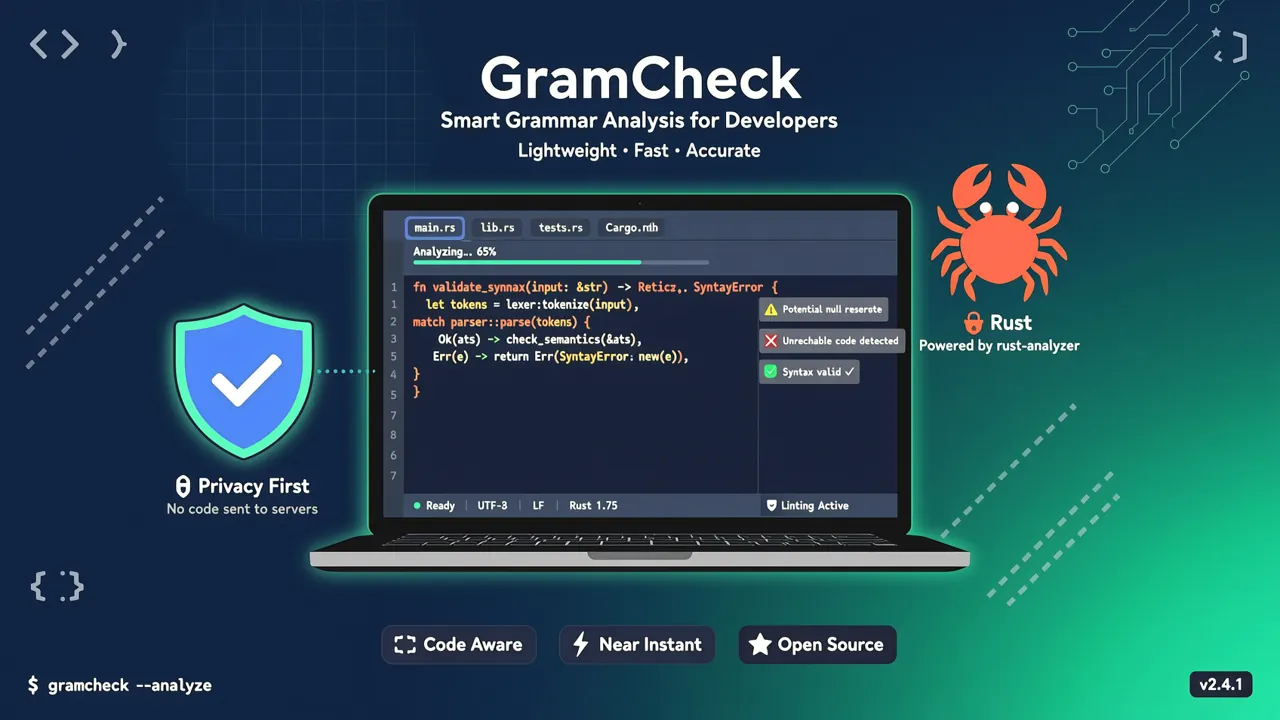
Harper est un correcteur grammatical anglais hors ligne open source publié par Automattic (la société mère de WordPress). Il est écrit en Rust et compte déjà plus de 12 000 étoiles sur GitHub, avec une tendance continue à la hausse.
Sa création est née de l'insatisfaction de son auteur face aux outils de correction existants :
- Grammarly : cher, avec de sérieux problèmes de vie privée (tout ce que vous écris est envoyé à leurs serveurs), et ses suggestions manquent souvent de contexte
- LanguageTool : utile, mais nécessite plusieurs gigaoctets de mémoire et un jeu de données n-gram d'environ 16 Go, ce qui le rend lent
Harper se positionne comme le choix « juste ce qu'il faut » : rapide, léger et priorisant la vie privée.
Pourquoi les développeurs ont besoin de Harper ?
| Fonctionnalité | Grammarly | LanguageTool | Harper |
|---|---|---|---|
| Mode d'exécution | Cloud | Local/Cloud | 100% local |
| Vie privée | ❌ Données envoyées aux serveurs | ⚠️ Hors ligne en option | ✅ Totalement hors ligne |
| Empreinte mémoire | — | ~Go | ~quelques dizaines de Mo |
| Vitesse | Impactée par la latence réseau | Moyenne | Millisecondes |
| Open source | ❌ | ⚠️ Partiel | ✅ MIT |
| Intégration éditeurs | Extension navigateur | Plugins | LSP + multi-plugins |
Pour les développeurs, les principaux atouts de Harper sont :
- Sécurité de la vie privée : votre code, votre documentation API et vos brouillons d'articles techniques ne quittent jamais votre machine
- Réponse en millisecondes : basé sur un moteur de règles, aucune dépendance aux requêtes réseau
- Support LSP natif : grâce à
harper-ls, il s'intègre dans pratiquement tous les éditeurs compatibles LSP - Performance Rust : l'empreinte mémoire est 50 fois inférieure à celle de LanguageTool
Installer Harper
Harper propose plusieurs modes d'utilisation, du navigateur à l'IDE.
Méthode un : utiliser directement dans le navigateur
Le moyen le plus simple — rendez-vous sur writewithharper.com. La page s'exécute localement dans votre navigateur via WebAssembly, sans inscription, sans connexion internet. Il suffit de coller votre texte pour lancer la vérification.
Méthode deux : installer harper-ls (serveur de langage)
harper-ls est le moteur central de Harper. Il fournit des capacités de correction grammaticale à divers éditeurs via le protocole LSP.
Via cargo (recommandé)
cargo install harper-ls
Après l'installation, vérifiez :
harper-ls --version
Via téléchargement binaire
Harper propose des binaires précompilés. Téléchargez l'exécutable correspondant à votre plateforme depuis les GitHub Releases :
# Exemple sous Linux
wget https://github.com/Automattic/harper/releases/latest/download/harper-ls-x86_64-unknown-linux-gnu.tar.gz
tar -xzf harper-ls-x86_64-unknown-linux-gnu.tar.gz
sudo mv harper-ls /usr/local/bin/
Intégration aux éditeurs en pratique
VS Code
- Cherchez
Harperdans le marketplace des extensions VS Code - Installez le plugin
harper-ls - Ouvrez n'importe quel fichier Markdown ou texte brut : la correction grammaticale s'active automatiquement
// Configuration optionnelle dans settings.json
{
  "harper-ls.dialect": "American",
  "harper-ls.markdown.ignore": ["code", "inlineCode"]
}
Obsidian
Harper dispose d'un plugin dédié pour Obsidian :
- Cherchez
Harperdans les Community Plugins d'Obsidian - Activez le plugin
- Pendant l'édition de vos notes, les erreurs grammaticales sont soulignées en rouge ondulé
Pour les développeurs chinois rédigeant de la documentation technique en anglais (README, documentation API), c'est une combinaison très pratique.
Neovim
Configuration via lspconfig :
-- Après installation via Mason
require('lspconfig').harper_ls.setup({
  settings = {
    ["harper-ls"] = {
      dialect = "American",
      userDictPath = ""  -- Optionnel : chemin personnalisé pour le dictionnaire
    }
  }
})
Helix
Harper supporte nativement l'éditeur Helix. Ajoutez ceci dans ~/.config/helix/languages.toml :
[[language]]
name = "markdown"
language-servers = ["harper-ls"]
Emacs / Zed
Également compatible via LSP. Consultez la documentation officielle.
Utilisations avancées
Dialecte personnalisé
Harper supporte plusieurs dialectes anglais :
{
  "dialect": "British"   // American | British | Canadian | Australian | Indian
}
Ignorer certaines zones
Dans un document Markdown, vous pouvez marquer des paragraphes à ignorer avec des commentaires :
<!-- harper: ignore -->
This is code-related text that shouldn't be checked.
<!-- harper: end -->
Vérification en ligne de commande (harper-cli)
Pour intégrer la vérification grammaticale dans vos pipelines CI/CD, utilisez harper-cli :
# Installation
cargo install harper-cli

# Vérifier un seul fichier
harper-cli check README.md

# Vérifier tous les fichiers Markdown d'un répertoire
harper-cli check docs/

# Sortie au format JSON (pratique pour l'intégration CI)
harper-cli check --format json docs/ > report.json
Exemple de sortie :
README.md:42:5 - "their" should be "there"
README.md:87:12 - Missing article before "documentation"
Utiliser dans GitHub Actions
name: Grammar Check
on: [push, pull_request]

jobs:
  harper:
    runs-on: ubuntu-latest
    steps:
      - uses: actions/checkout@v4
      - name: Install Harper
        run: cargo install harper-cli
      - name: Check docs
        run: harper-cli check docs/ --format json > report.json
Comparaison de performances : Harper vs LanguageTool
| Critère | Harper | LanguageTool |
|---|---|---|
| Temps de démarrage | < 1 seconde | Plusieurs secondes (chargement des données n-gram) |
| Empreinte mémoire | ~20-50 Mo | ~1-4 Go |
| Vérification d'un document de 1000 mots | < 10 ms | 2-5 secondes |
| Taille d'installation | ~10 Mo | ~16 Go (données incluses) |
| Support hors ligne | ✅ Totalement hors ligne | ⚠️ Configuration supplémentaire requise |
Harper atteint une architecture minimaliste grâce à un moteur de règles + dictionnaire, sans dépendre de vastes modèles statistiques. Cela signifie que sa couverture de règles n'est pas aussi exhaustive que Grammarly, mais elle est largement suffisante pour les documentations techniques, les blogs et les e-mails.
Pour qui ?
✅ Recommandé pour
- Auteurs de blogs techniques en anglais : pas de souci que vos extraits de code soient envoyés dans le cloud
- Développeurs non anglophones : vérifiez rapidement les erreurs grammaticales dans vos documents anglais
- Utilisateurs soucieux de leur vie privée : tout le traitement reste entièrement local
- Pipelines CI/CD : vérification automatique de la qualité des documents via harper-cli
⚠️ Pas encore adapté pour
- La correction grammaticale en chinois (Harper ne supporte que l'anglais pour le moment)
- L'analyse sémantique approfondie et les suggestions de style (Harper est basé sur des règles, sans suggestions sémantiques IA)
- Les scénarios de travail collaboratif (pas de dictionnaire partagé pour l'instant)
Résumé
Harper est un outil de correction grammaticale open source au positionnement précis : léger, rapide et orienté vie privée. Il ne remplacera pas Grammarly dans le domaine de l'écriture professionnelle, mais pour rédiger des documentations, des blogs et des e-mails au quotidien, il est largement suffisant.
Fiche rapide :
| Élément | Valeur |
|---|---|
| GitHub | Automattic/harper |
| Étoiles | 12 000+ |
| Langage | Rust |
| Licence | MIT |
| Langues supportées | Anglais (multi-dialectes) |
| Éditeurs supportés | VS Code / Obsidian / Neovim / Helix / Emacs / Zed |
| Site officiel | writewithharper.com |
Si vous en avez assez des problèmes de vie privée de Grammarly et que LanguageTool est trop lourd pour vous, Harper mérite le détour.