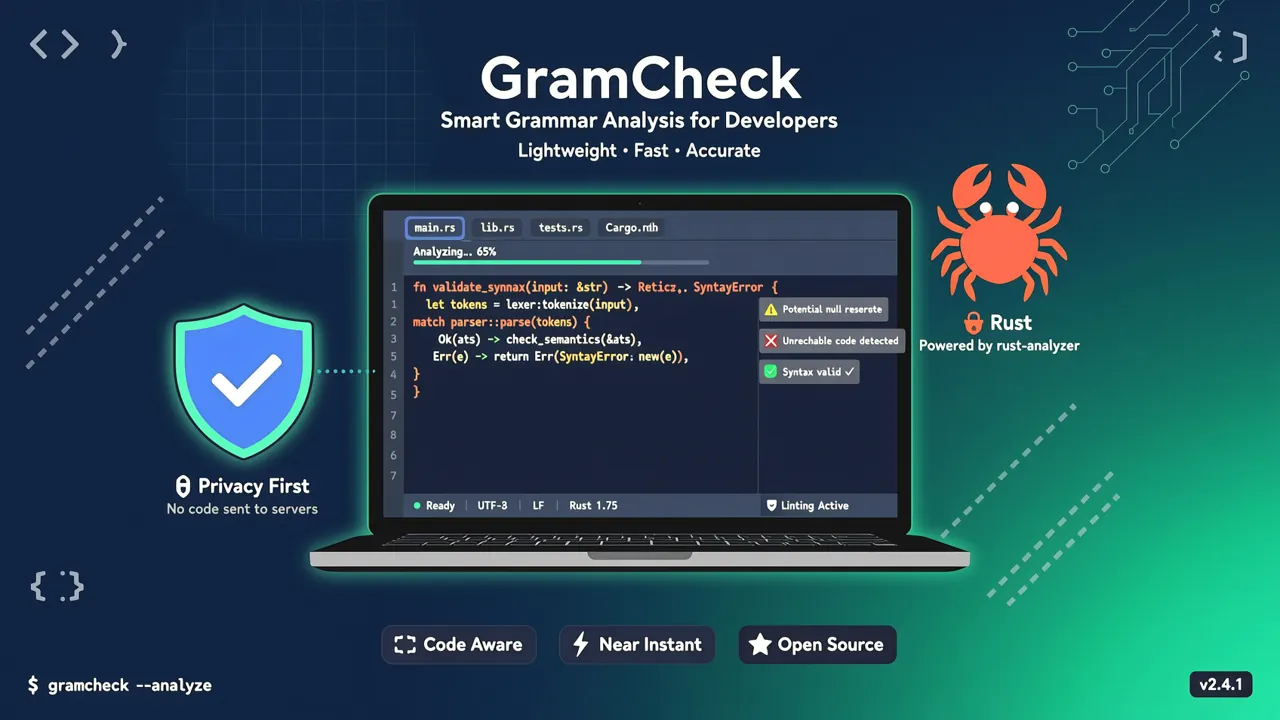
Harper란?
Harper는 Automattic (WordPress의 모회사)이 오픈소스로 공개한오프라인 영어 문법 검사기로, Rust로 작성되었으며 현재 GitHub에서 12,000+ Stars를 받았고 꾸준히 trending 중입니다.
탄생 배경은 기존 문법 검사 도구에 대한 개발자의 불만에서 시작되었습니다:
- Grammarly: 가격이 비싸고, 프라이버시 문제가 심각합니다 (작성한 모든 내용이 그들의 서버로 전송됨). 게다가 제안이 맥락을 벗어나는 경우가 많죠
- LanguageTool: 사용하기는 좋은데, 수 GB의 메모리와 약 16GB의 n-gram 데이터셋이 필요해서 속도가 느립니다
Harper의 위치는 "just right" — 빠르고, 가볍고, 프라이버시 우선입니다.
개발자에게 Harper가 필요한 이유?
| 특성 | Grammarly | LanguageTool | Harper |
|---|---|---|---|
| 실행 방식 | 클라우드 | 로컬/클라우드 | 순수 로컬 |
| 프라이버시 | ❌ 데이터 서버 전송 | ⚠️ 선택적 오프라인 | ✅ 완전 오프라인 |
| 메모리 사용 | — | ~GB 수준 | ~수십 MB |
| 속도 | 네트워크 지연 영향 | 중간 | 밀리초 수준 |
| 오픈소스 | ❌ | ⚠️ 부분 | ✅ MIT |
| 편집기 통합 | 브라우저 확장 | 플러그인 | LSP + 다중 플러그인 |
개발자에게 Harper가 가장 매력적인 점은:
- 프라이버시 안전: 코드, API 문서, 기술 블로그 초고가 내 기기를 벗어나지 않음
- 밀리초 응답: 규칙 기반 엔진으로, 네트워크 요청에 의존하지 않음
- LSP 기본 지원:
harper-ls로 LSP를 지원하는 거의 모든 편집기에 통합 가능 - Rust 성능: 메모리 사용량이 LanguageTool의 1/50에 불과
Harper 설치
Harper는 브라우저부터 IDE까지 다양한 사용 방법을 제공합니다.
방법 1: 브라우저에서 바로 사용
가장 간단한 경험 방법 — writewithharper.com에 접속하세요. 페이지는 WebAssembly를 통해 브라우저에서 로컬로 실행되며, 가입 불필요, 인터넷 연결 불필요. 텍스트를 붙여넣기만 하면 검사가 가능합니다.
방법 2: harper-ls 설치 (언어 서버)
harper-ls는 Harper의 핵심 엔진으로, LSP 프로토콜을 통해 각종 편집기에 문법 검사 기능을 제공합니다.
cargo로 설치 (권장)
cargo install harper-ls
설치 완료 후 확인:
harper-ls --version
바이너리 다운로드
Harper는 미리 컴파일된 바이너리 파일을 제공합니다. GitHub Releases에서 해당 플랫폼의 실행 파일을 다운로드하면 됩니다:
# Linux 예시
wget https://github.com/Automattic/harper/releases/latest/download/harper-ls-x86_64-unknown-linux-gnu.tar.gz
tar -xzf harper-ls-x86_64-unknown-linux-gnu.tar.gz
sudo mv harper-ls /usr/local/bin/
편집기 통합 실전
VS Code
- VS Code 확장 마켓에서
Harper검색 harper-ls플러그인 설치- Markdown 또는 일반 텍스트 파일을 열면, 문법 검사가 자동으로 작동합니다
// settings.json 선택적 설정
{
  "harper-ls.dialect": "American",
  "harper-ls.markdown.ignore": ["code", "inlineCode"]
}
Obsidian
Harper는 Obsidian을 위한 전용 플러그인을 지원합니다:
- Obsidian의 Community Plugins에서
Harper검색 - 플러그인 활성화
- 노트 편집 중 문법 오류가 빨간 물결선으로 표시됩니다
영어 기술 문서 (README, API 문서 등)를 작성하는 개발자에게 매우 유용한 조합입니다.
Neovim
lspconfig로 설정:
-- Mason으로 설치 후 설정
require('lspconfig').harper_ls.setup({
  settings = {
    ["harper-ls"] = {
      dialect = "American",
      userDictPath = ""  -- 선택적: 사용자 정의 사전 경로
    }
  }
})
Helix
Harper는 Helix 편집기를 기본적으로 지원합니다. ~/.config/helix/languages.toml에 추가:
[[language]]
name = "markdown"
language-servers = ["harper-ls"]
Emacs / Zed
동일하게 LSP를 지원하며, 공식 문서를 참고하세요.
고급 사용법
맞춤 방언 설정
Harper는 다양한 영어 방언을 지원합니다:
{
  "dialect": "British"   // American | British | Canadian | Australian | Indian
}
특정 영역 무시
Markdown 문서에서 주석으로 특정 구간을 검사에서 제외할 수 있습니다:
<!-- harper: ignore -->
This is code-related text that shouldn't be checked.
<!-- harper: end -->
CLI 검사 (harper-cli)
CI/CD 파이프라인에 문법 검사를 통합하려면 harper-cli를 사용하세요:
# 설치
cargo install harper-cli

# 단일 파일 검사
harper-cli check README.md

# 디렉토리 내 모든 Markdown 파일 검사
harper-cli check docs/

# JSON 형식 출력 (CI 통합용)
harper-cli check --format json docs/ > report.json
출력 예시:
README.md:42:5 - "their" should be "there"
README.md:87:12 - Missing article before "documentation"
GitHub Actions에서 사용하기
name: Grammar Check
on: [push, pull_request]

jobs:
  harper:
    runs-on: ubuntu-latest
    steps:
      - uses: actions/checkout@v4
      - name: Install Harper
        run: cargo install harper-cli
      - name: Check docs
        run: harper-cli check docs/ --format json > report.json
Harper vs LanguageTool 성능 비교
| 지표 | Harper | LanguageTool |
|---|---|---|
| 시작 시간 | < 1초 | 수초 (n-gram 데이터 로드 필요) |
| 메모리 사용 | ~20-50 MB | ~1-4 GB |
| 1000자 문서 검사 | < 10ms | 2-5초 |
| 설치 용량 | ~10 MB | ~16 GB (데이터 포함) |
| 오프라인 지원 | ✅ 완전 오프라인 | ⚠️ 추가 설정 필요 |
Harper는 규칙 엔진 + 사전 방식으로 최소한의 아키텍처를 구현했습니다. 방대한 통계 모델에 의존하지 않죠. 이는 검사 규칙의 커버리지가 Grammarly만큼 포괄적이지 않다는 뜻이지만, 기술 문서, 블로그, 이메일 등에는 충분히 쓸 만합니다.
누구에게 적합할까?
✅ 추천
- 영어 기술 블로그 작성자: 코드 조각이 클라우드로 업로드될 걱정 없이 문서를 작성 가능
- 비영어권 개발자: 영어 문서의 문법 오류를 빠르게 검사
- 프라이버시를 중시하는 사용자: 모든 처리가 로컬에서 완료
- CI/CD 파이프라인: harper-cli로 문서 품질 자동 검사
⚠️ 아직 부족
- 중국어 문법 검사 필요 (현재 영어만 지원)
- 심층 의미 분석 및 스타일 제안 필요 (Harper는 규칙 기반으로, AI 기반 의미 제안은 없음)
- 팀 협업 시나리오 (공유 사전 기능 아직 없음)
요약
Harper는 위치가 명확한 오픈소스 문법 검사 도구입니다: 가볍고, 빠르고, 프라이버시 우선. 전문 글쓰기 분야에서 Grammarly를 대체할 수는 없겠지만, 개발자가 일상적으로 문서, 블로그, 이메일을 작성하는 데에는 이미 충분합니다.
핵심 정보 빠른 보기:
| 항목 | 값 |
|---|---|
| GitHub | Automattic/harper |
| Stars | 12,000+ |
| 언어 | Rust |
| 라이선스 | MIT |
| 지원 언어 | 영어 (다수 방언) |
| 편집기 지원 | VS Code / Obsidian / Neovim / Helix / Emacs / Zed |
| 공식 사이트 | writewithharper.com |
Grammarly의 프라이버시 문제가 싫고, LanguageTool가 너무 무겁다고 느끼신다면 Harper를 한번 시도해 보세요.