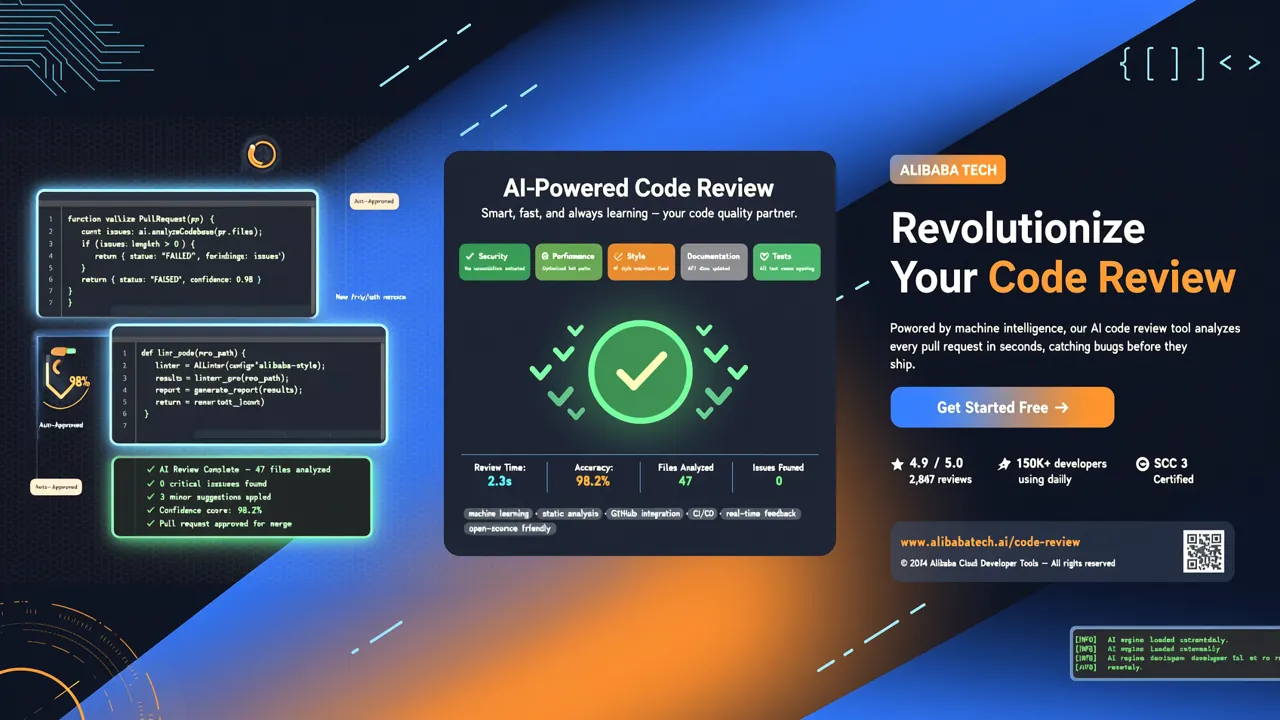
Open Code Review hit the top 15 on GitHub Trending in the first week of August 2026, gaining 4,700+ new stars in just one week. With over 17,000+ cumulative stars, it's one of the hottest open-source projects this week.
1. What Is Open Code Review?
Open Code Review (or OCR for short) is an AI-powered code review CLI tool open-sourced by Alibaba. It evolved from Alibaba Group's internal official AI code review assistant, which served tens of thousands of developers over the past two years and identified millions of code defects. After extensive production validation, Alibaba officially open-sourced it.
Unlike general-purpose AI coding agents like Claude Code or Cursor, OCR focuses on doing one thing: code review — and it does it better, faster, and cheaper.
Official benchmarks show that with the same underlying model, OCR's review quality (F1 score and Precision) significantly outperforms general-purpose agents, while using only 1/9 of the token consumption and reviewing code faster.
🔗 GitHub: alibaba/open-code-review 🌐 Website: open-codereview.ai 📜 License: Apache-2.0
2. Why General AI Agents Struggle with Code Review
If you've tried using Claude Code or similar tools for code review, you've probably run into these problems:
- Incomplete coverage — When there are many changed files, agents tend to "get lazy," reviewing only some files and missing important changes.
- Position drift — Reported line numbers don't match the actual code location, forcing developers to manually track down issues.
- Unstable quality — Pure natural-language-driven Skills are hard to debug, and review quality fluctuates wildly with minor prompt tweaks.
The root cause: pure language-driven architectures lack hard constraints on the review process.
3. OCR's Hybrid Architecture: Deterministic Engineering + LLM Agent
OCR's core design philosophy is to hand the "absolutely cannot go wrong" parts to deterministic engineering, and the "needs dynamic decision-making" parts to the Agent.
Deterministic Engineering Layer
- Precise file selection — Uses engineering logic to determine which files need review and which should be filtered, ensuring no important changes are missed.
- Smart file grouping — Groups related files into review units (e.g.,
message_en.propertiesandmessage_zh.propertiesgo together). Each group is reviewed by an independent sub-agent, naturally supporting concurrency. - Fine-grained rule matching — Matches review rules based on file characteristics, keeping the model's attention highly focused and eliminating information noise.
- External positioning and reflection modules — Independent modules for position locating and content reflection, systematically improving AI feedback accuracy for both line numbers and content.
Agent Layer
- Scenario-specific prompts — Prompt templates deeply optimized for code review, delivering better results while using fewer tokens.
- Scenario-specific toolsets — Specialized tools refined from large-scale production data, more stable and reliable than general-purpose agent tools.
4. Installation
OCR supports multiple installation methods. The simplest is a global npm install:
npm install -g @alibaba-group/open-code-review
Once installed, the ocr command is available globally:
ocr --version
Other installation options include:
- Installation script — Great when there's no Node.js environment.
- GitHub Release binaries — Directly download executable files.
- Build from source — For contributors who need to modify the code.
See the official installation docs for details.
5. Quick Start
5.1. Configure Your LLM
Before first use, you must configure an LLM (unless using delegation mode):
# Select a built-in model provider
ocr config provider

# Select a model
ocr config model
An interactive UI guides you through provider selection, API key input, and model configuration, automatically testing connectivity along the way.
Built-in support covers major providers including OpenAI, Anthropic, Google Gemini, and Tongyi Qianwen. You can also add custom providers:
ocr config provider add-custom
5.2. Your First Review
Navigate to your project directory and run:
cd your-project

# Review all staged, unstaged, and untracked changes
ocr review
OCR automatically reads the Git diff, sends changed files to the LLM, and generates review comments with line-level precision.
5.3. Compare Two Branches
ocr review --from main --to feature-branch
5.4. Review a Single Commit
ocr review --commit abc123
5.5. Full Repository Scan
Scan an entire repository or specified directory without relying on Git diff:
# Scan the entire repository
ocr scan

# Scan a specific directory
ocr scan --path src/agent
This is particularly useful when auditing unfamiliar codebases.
6. Advanced Features
6.1. Delegation Mode
OCR supports "delegation mode" — let your AI coding agent run reviews itself. OCR handles file selection and rule parsing, with no separate LLM configuration needed:
# Preview delegation review
ocr delegate preview

# Run delegation review on specific files
ocr delegate rule src/main.go src/handler.go
This is especially practical for teams already using tools like Claude Code or Cursor.
6.2. Built-in Security Rules
OCR comes with a fine-tuned set of security rules that automatically detect:
| Rule Type | Description |
|---|---|
| NPE (Null Pointer Exception) | Potential null reference issues in Java/Kotlin |
| Thread Safety | Race conditions in concurrent scenarios |
| XSS Attacks | Cross-site scripting vulnerabilities in the frontend |
| SQL Injection | Injection risks in database queries |
These rules don't rely on prompt hints — they're driven by a template-engine-based rule matching system, making them more stable and predictable.
6.3. Session Management
If a large review gets interrupted midway, you can resume it:
# List all sessions
ocr session list

# Resume an interrupted review
ocr review --from main --to feature-branch --resume <session-id>
6.4. CI/CD Integration
OCR fits perfectly into CI pipelines. Here's a GitHub Actions example:
name: Code Review
on:
  pull_request:
    branches: [main]

jobs:
  review:
    runs-on: ubuntu-latest
    steps:
      - uses: actions/checkout@v4
        with:
          fetch-depth: 0
      - name: Install OCR
        run: npm install -g @alibaba-group/open-code-review
      - name: Run Review
        run: ocr review --from main --to HEAD
        env:
          OPENAI_API_KEY: ${{ secrets.OPENAI_API_KEY }}
6.5. Multi-Model Comparison
You can switch between different models to compare review results:
# Switch to GPT-4
ocr config model gpt-4

# Review
ocr review

# Switch to Claude
ocr config model claude-sonnet-4-20250514

# Review again and compare results
ocr review
7. Performance & Cost
Here are the core metrics from the official benchmark comparison:
| Metric | OCR | Claude Code (Same Model) | Advantage |
|---|---|---|---|
| F1 Score | Higher | Lower | Better overall quality |
| Precision | Higher | Lower | Fewer false positives |
| Recall | Lower | Higher | Intentional tradeoff — less noise |
| Avg. Latency | Shorter | Longer | Lower CI delay |
| Token Usage | ~1/9 | Baseline | 89% cost savings |
OCR's recall is slightly lower than general-purpose agents, but this is an intentional design tradeoff: better to report every issue as a real defect than to flood developers with false positives.
8. Comparison with Other Code Review Tools
| Tool | Type | AI Capability | Cost | Best Use Case |
|---|---|---|---|---|
| Open Code Review | CLI | ✅ Specialized | Low (1/9 tokens) | Automated CI review, fast local review |
| GitHub Copilot Code Review | IDE Plugin | ✅ General | Medium | Instant feedback inside IDE |
| SonarQube | Static Analysis | ❌ Rule engine | Low | Standards checking, coverage |
| Claude Code / Cursor | AI Agent | ✅ General | High | Full-featured development |
Bottom line: If your core need is code review, OCR is the optimal choice. If you need a comprehensive AI coding assistant, tools like Claude Code are more appropriate.
9. Summary
Open Code Review represents an important trend: specialized AI tools are surpassing general-purpose agents. It's not another "skill" cobbled together with prompts — it's an engineered product that has undergone two years of large-scale internal validation at Alibaba, truly solving production pain points.
If you review multiple PRs daily, OCR can help you: - ✅ Save time — Automate initial review, focus on what truly matters. - ✅ Save money — Cut token costs by ~89% compared to general agents. - ✅ Improve quality — Deterministic engineering guarantees coverage and position accuracy. - ✅ CI-friendly — CLI design naturally fits into pipelines.
💡 Next step: After installing OCR, try
ocr reviewon your everyday PRs and experience two years of Alibaba-validated AI code review power.
The project covered in this article, alibaba/open-code-review, is open source under the Apache-2.0 license. Contributions and usage are welcome.