Tabby - Modern Terminal Tool
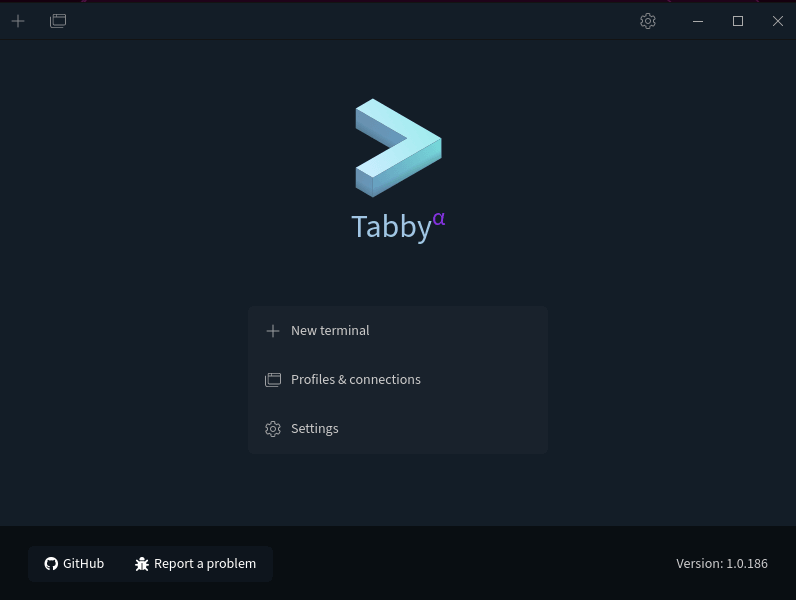
For programmers, the terminal is an indispensable tool in our daily work. However, system-built-in terminal tools often have limited functionality and monotonous appearance. Today, I want to introduce everyone to an open-source free modern terminal tool: Tabby (formerly Terminus). Tabby has powerful features and a highly customizable interface that can meet various user needs, making terminal operations more efficient and enjoyable.
What is Tabby?
Tabby is a highly configurable terminal emulator and SSH or serial client, supporting Windows, macOS, and Linux systems. It integrates SSH, Telnet clients and connection managers, and provides serial terminal functionality. Tabby is not a brand new shell, nor is it a replacement for MinGW or Cygwin. If you're very sensitive to memory usage, you can consider Conemu or Alacritty.
Tabby's Feature Highlights
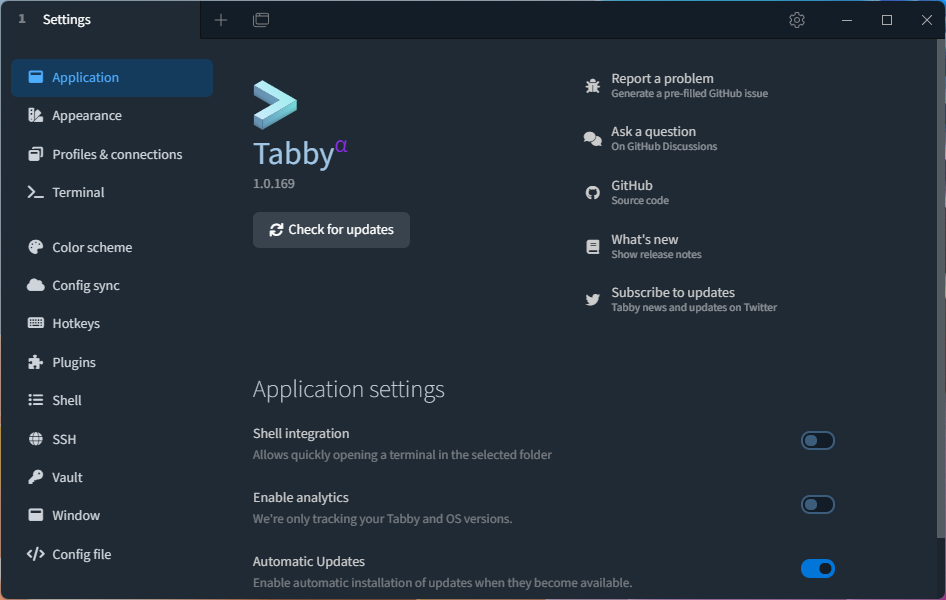
Tabby has numerous features that make it a powerful terminal tool. Here are some main characteristics:
- Multi-terminal Tabs: Tabby can display multiple terminal tabs, allowing users to operate multiple terminal sessions simultaneously.
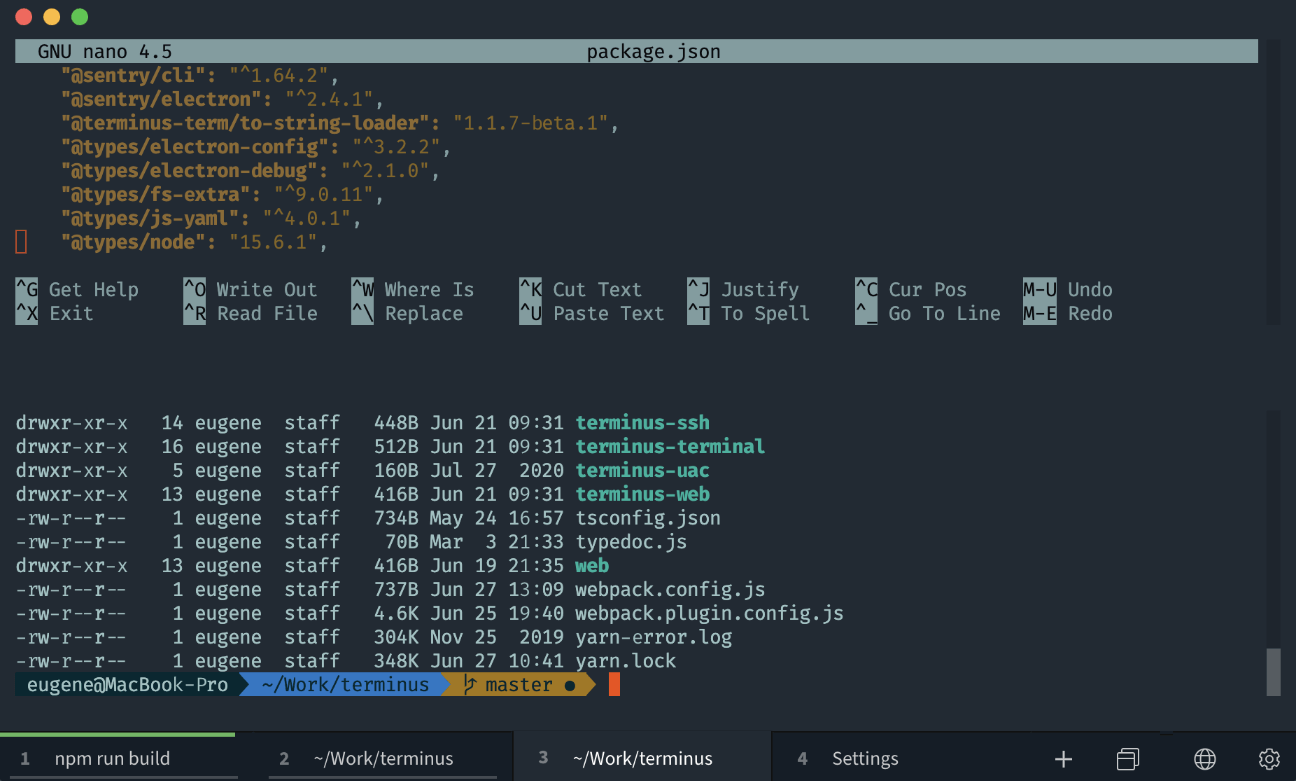
- High Customizability: Users can customize interface appearance and behavior in various ways, such as themes, color schemes, font settings, shortcuts, etc.
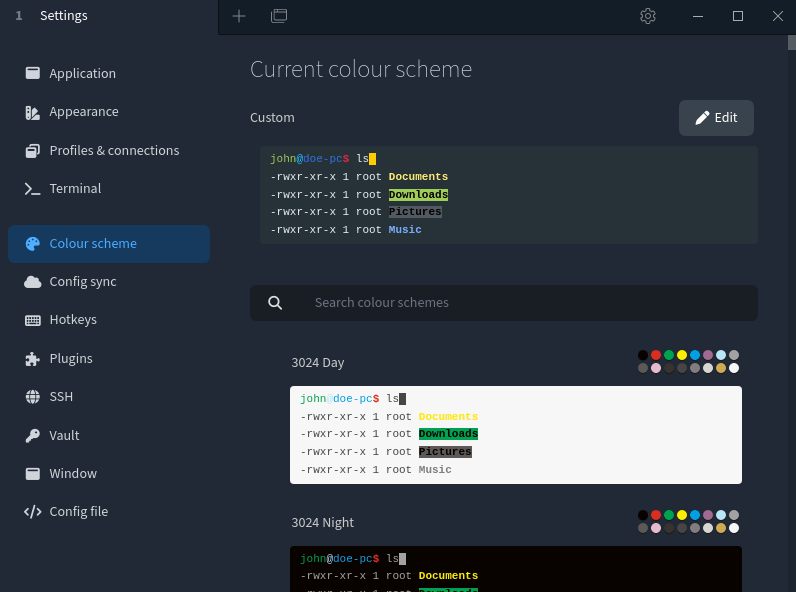
- Plugin Extensions: Tabby supports enhancing functionality through plugins, such as clickable links, Docker connections, title control, quick commands, output saving, etc.
- Multiple Connection Methods: Tabby supports various connection methods such as local Shell, Serial, SSH, Telnet, etc.
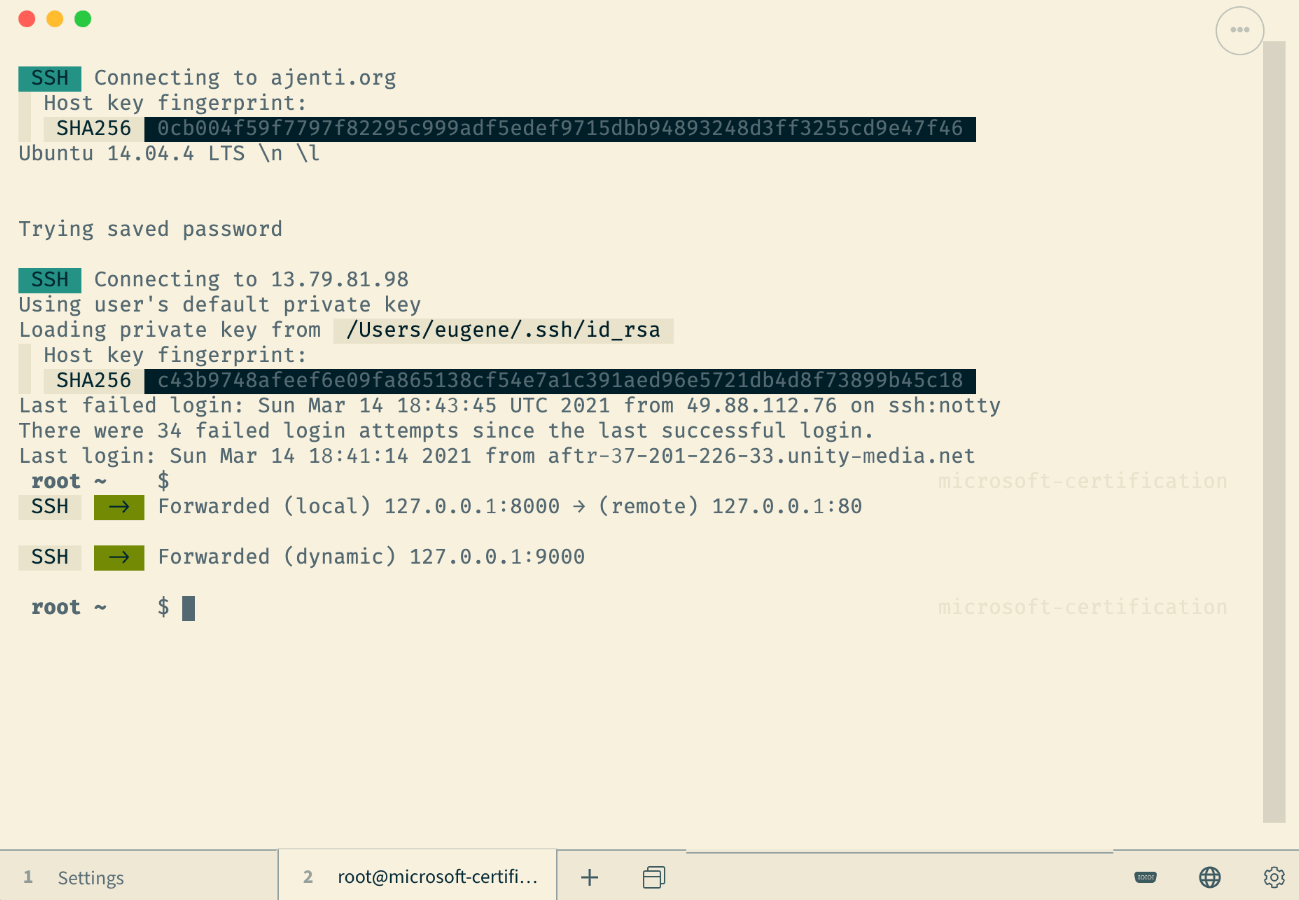
- Cross-platform Support: Tabby supports Windows, macOS, and Linux systems, and provides a web version for convenient use across different platforms.
- Account System: Tabby supports an account system that can synchronize user information such as configurations and plugins.
- Rich Terminal Features: Including split panes, automatic tab saving, progress detection, process completion notifications, bracket pasting, multi-line paste prompts, etc.
- Powerful SSH Client: Supports X11 and port forwarding, automatic jump host management, proxy forwarding, etc.
- Practical Serial Terminal Features: Supports saving connections, line-by-line input support, optional hexadecimal byte-by-byte input and output, newline conversion, automatic reconnection, etc.
Tabby's Usage Steps
- Download and Install: Users can download installation files suitable for their system from Tabby's GitHub page and install them.
- Launch Software: After installation, open the Tabby software.
- Configure Options: Configure interface and behavior options according to personal needs, including color schemes, fonts, plugins, and shortcuts.
- Add Terminal Tabs: Type "tab new" in the current tab to add a new terminal tab.
- Operate Terminal: Input commands and other operations in the terminal, such as browsing folders, editing files, etc.
- Exit Software: Type the "exit" command or exit Tabby through the software menu.
Summary
Tabby is a powerful, beautifully designed, and highly customizable modern terminal tool. It supports multiple connection methods, cross-platform usage, plugin extensions, etc., and can meet various user needs. If you're looking for a tool that can improve terminal operation efficiency and experience, Tabby is definitely worth trying.