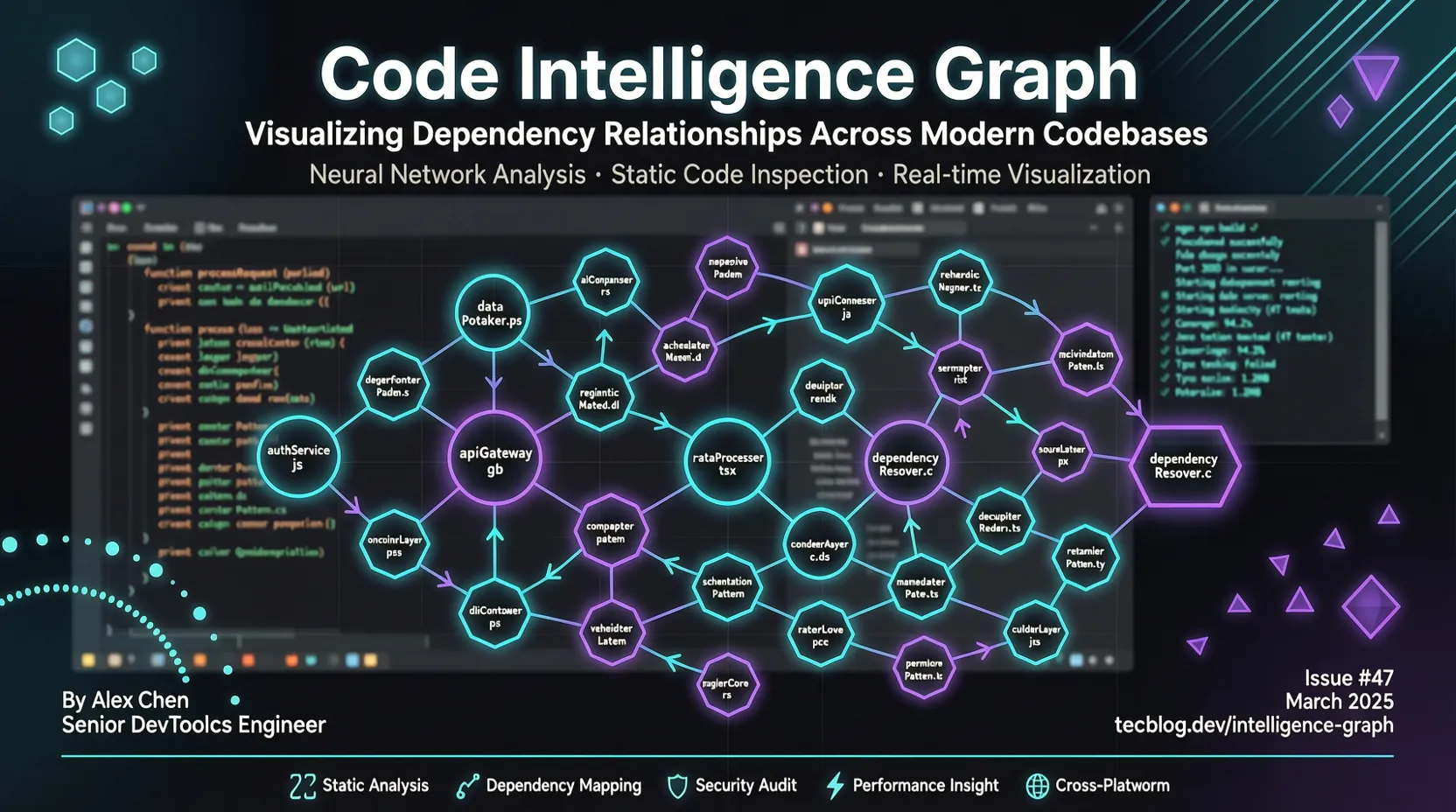
Code Review Graph:コードグラフでAIコーディングツールのTokenを82倍節約
TL;DR: AIコーディングツール(Claude Code、Cursor、Copilot)はコードレビュー時にコードベース全体を再読み込みするため、大量のtokenを無駄にします。code-review-graphはTree-sitterでコード構造グラフを構築し、MCPプロトコルを通じてAIツールに正確なコンテキストを提供。実測でtoken消費を82倍削減しました。
どんなプロジェクト?
code-review-graph はローカルファーストのコードインテリジェンスグラフツールです。本日(2026-07-21)、GitHub Trending 1位にランクインし、24時間で1,876スターを獲得、総スター数は22,900を超えました。
コアな問題: Claude CodeやCursorでコードレビューを行うとき、AIは関数1つを変更しただけでも大量のコードファイルを再読み込みします。大規模プロジェクトの場合、レビュー1回あたり数万〜数十万tokenを消費してしまいます。
解決策: code-review-graphはTree-sitterを使ってコードをAST(抽象構文木)に解析し、関数・クラス・インポート・呼び出し関係のグラフを構築します。ファイルが変更されると、グラフはすべての呼び出し元・依存関係・影響を受けるテストを追跡し、「爆発半径」を算出。AIはコードベース全体ではなく、これらの関連ファイルだけを読み込めばよくなります。
実測データ: - 中央値のtoken削減:82倍(6つのオープンソースプロジェクトでテスト) - 最高事例:FastAPIプロジェクトで528倍削減(95万token → 2,169 token) - 増分更新:2,900ファイルのプロジェクトで2秒以内に再インデックス完了
インストールと設定
システム要件
- Python 3.10+
- Git または SVN リポジトリ
- uv のインストールを推奨(高速パッケージマネージャー)
ワンクリックインストール
# code-review-graph をインストール
pip install code-review-graph
# または pipx を使用
pipx install code-review-graph

# サポートされているすべてのAIコーディングツールを自動検出して設定
code-review-graph install

# コードグラフを構築(初回:約10秒/500ファイル)
code-review-graph build
install コマンドはインストールされているAIコーディングツール(Claude Code、Cursor、Copilot、Gemini CLI、Codex、Kiroなど)を自動検出し、各ツールに正しいMCP設定を書き込み、プラットフォーム固有のhooks/skillsをインストールし、グラフ認識インジェクションを行います。
特定プラットフォームの設定
特定のツールだけを設定したい場合:
# Claude Code のみ設定
code-review-graph install --platform claude-code

# Cursor のみ設定
code-review-graph install --platform cursor

# GitHub Copilot のみ設定
code-review-graph install --platform copilot

# Gemini CLI のみ設定
code-review-graph install --platform gemini-cli
インストール完了後、エディタまたはAIツールを再起動してください。
クイックスタート
ステップ1:グラフを構築
プロジェクトのルートディレクトリで実行:
cd /path/to/your/project
code-review-graph build
初回構築ですべてのコードファイルを解析し、関数・クラス・インポート・呼び出し関係を抽出してグラフデータベースに保存します。500ファイルのプロジェクトで約10秒。
ステップ2:AIツールを使用
AIコーディングツール(Claude Code、Cursorなど)を開いて、直接質問:
Build the code review graph for this project
AIはMCPプロトコルを通じてグラフをクエリし、正確なコードコンテキストを取得します。
ステップ3:コードレビュー
PRレビュー时、AIツールが自動的に以下を行います: 1. 変更されたファイルを検出 2. グラフをクエリし、すべての呼び出し元・依存関係・影響を受けるテストを特定 3. これらの関連ファイルのみを読み込み(コードベース全体ではなく) 4. 正確なレビュー意見を生成
使用例: auth.py の validate_token() 関数を変更した場合。グラフは以下を追跡します:
- validate_token() を呼び出すすべてのファイル
- 関連する基底クラスから継承しているクラス
- 関連するテストファイル
- これらのファイルに依存する他のモジュール
AIが読み込む必要があるのはこれらのファイル(通常10〜20個)だけで、コードベース全体(数千ファイルに及ぶ場合も)ではありません。
高度な機能
MCP統合の仕組み
code-review-graphはMCP(Model Context Protocol)を通じてAIツールと通信します。MCPはオープンプロトコルで、AIモデルが外部ツールやデータソースにアクセスできるようにします。
ワークフロー: 1. AIツールがコードレビューリクエストを受信 2. MCP経由でcode-review-graphのツールを呼び出し 3. code-review-graphがグラフをクエリし、最小限のファイルセットを返す 4. AIはこれらのファイルだけを読み込み、レビュー意見を生成
サポートされているMCPツール(30以上):
- get_review_context:レビューコンテキストを取得
- get_blast_radius:変更の影響範囲を取得
- get_callers:関数の呼び出し元を取得
- get_dependencies:ファイルの依存関係を取得
- get_test_coverage:テストカバレッジ状況を取得
- ...
GitHub Action 統合
code-review-graphは公式GitHub Actionを提供しており、PR上で自動的にコードレビューコメントを生成できます。
# .github/workflows/code-review-graph.yml
name: Code Review Graph
on:
  pull_request:

permissions:
  contents: read
  pull-requests: write

jobs:
  review:
    runs-on: ubuntu-latest
    steps:
      - uses: actions/checkout@v7
      - uses: tirth8205/code-review-graph@v2.3.6
        with:
          github-token: ${{ secrets.GITHUB_TOKEN }}
機能:
- PRごとに自動でスティッキーコメント(固定コメント)を生成
- リスクスコア付き関数、影響を受ける実行フロー、テストギャップを含む
- pushのたびにコメントを自動更新
- オプションの fail-on-risk 入力で、レビューをマージゲートとして利用可能
ローカルファースト: ナレッジグラフはCIランナー上で完全に構築・クエリされ、ソースコードが外部サービスに送信されることはありません。
増分更新とウォッチモード
hooksまたはウォッチモードを有効にすると、ファイル保存時やコミットフックが増分更新をトリガーします:
# ウォッチモードを有効化(ファイル保存時に自動更新)
code-review-graph watch

# pre-commit hook を有効化
code-review-graph install --hooks
増分更新フロー: 1. 変更されたファイルを検出 2. SHA-256ハッシュチェックで、影響を受ける依存関係を特定 3. 変更されたファイルのみを再解析 4. グラフデータベースを更新
2,900ファイルのプロジェクトで増分更新は2秒未満。
カスタム言語サポート
code-review-graphは40以上のプログラミング言語をサポートしています(Python、JavaScript/TypeScript、Go、Rust、Java、C/C++、C#、Ruby、Kotlin、Swiftなど)。
未サポートの言語を使用している場合は、.code-review-graph/languages.tomlでカスタマイズできます:
[languages.erlang]
extensions = [".erl"]
grammar = "erlang"
function_node_types = ["function_clause"]
class_node_types = ["record_decl"]
import_node_types = ["import_attribute"]
call_node_types = ["call"]
Tree-sitterパーサーが抽出を自動的に処理するため、コードを変更する必要はありません。詳細はdocs/CUSTOM_LANGUAGES.mdをご覧ください。
アンインストール
# アンインストール操作をプレビュー
code-review-graph uninstall --dry-run

# 確認してアンインストール
code-review-graph uninstall

# 確認をスキップ
code-review-graph uninstall --yes

# すべてのリポジトリからクリーンアップ
code-review-graph uninstall --all-repos

# グラフデータベースを保持
code-review-graph uninstall --keep-data
アンインストールはcode-review-graph関連のファイルと設定のみを削除し、他のMCPサーバーやツールには影響しません。
パフォーマンスデータ
code-review-graphは6つの実在するオープンソースプロジェクトでベンチマークテストを行いました(13コミット):
| プロジェクト | コードベース Token 数 | グラフクエリ Token 数 | 削減倍率 |
|---|---|---|---|
| FastAPI | 951,071 | 2,169 | 528.4x |
| code-review-graph | 208,821 | 2,495 | 93.0x |
| Gin | 166,868 | 1,990 | 91.8x |
| Flask | 125,022 | 1,986 | 71.4x |
| Express | 135,955 | 3,465 | 40.6x |
| httpx | 89,492 | 2,438 | 38.0x |
中央値:82倍削減
注: 528倍は最高事例(FastAPI、最大のコードベース)であり、一般的な結果ではありません。実際の削減率はプロジェクトのサイズとクエリの種類によって異なります。
比較ベースライン: 上記の「コードベース全体」は理論上の上限値です。実際のAIツールは識別子をgrep検索し、最もマッチするファイルだけを読み込みます。code-review-graphの優位性は以下の通り: - 依存関係を正確に追跡(テキストマッチングだけでなく) - 呼び出しチェーン、継承関係、テストカバレッジを含む - 増分更新で再解析を回避
適用シナリオ
适合するケース
- 大規模コードベース: 1,000ファイル以上のプロジェクト。tokenの無駄遣いが最も深刻
- 頻繁なコードレビュー: 毎日複数のPRを出すチーム
- モノレポ(Monorepo): 27,700ファイル以上の超大規模プロジェクト
- CI/CD統合: 自動化コードレビューゲート
- 多言語プロジェクト: 40以上の言語をサポート
あまり适合しないケース
- 小規模プロジェクト: 100ファイル未満。token消費はそもそも大きくない
- 純フロントエンドプロジェクト: 複雑な依存関係がない場合、効果は限定的
- Git/SVN以外のプロジェクト: 現在はGitとSVNのみサポート
まとめ
code-review-graphはAIコーディングツールのコアな課題、すなわちtokenの無駄遣いを解決します。コード構造グラフを構築することで、AIツールは正確なコンテキストを取得でき、コードベース全体を再読み込みする必要がなくなります。
コアな優位性: - ✅ token節約: 中央値82倍削減、APIコストを低減 - ✅ 正確なレビュー: 依存関係を追跡し、影響範囲を見逃さない - ✅ ローカルファースト: コードはローカルから出ず、安全かつコンプライアンス準拠 - ✅ 増分更新: 大規模プロジェクトでも2秒以内に再インデックス完了 - ✅ 幅広い統合: Claude Code、Cursor、Copilot、Gemini CLIなどをサポート - ✅ GitHub Action: PRレビューを自動化
次のステップ: 1. プロジェクトにcode-review-graphをインストール 2. グラフを構築し、token節約効果を体験 3. CI/CDに統合し、コードレビューを自動化 4. 公式ドキュメントで高度な使い方详细了解
プロジェクトリンク: - GitHub:tirth8205/code-review-graph - 公式サイト:code-review-graph.com - Discord:コミュニティに参加
関連記事: - Claude Code + DeepSeek V4 ターミナル AI プログラミングガイド - 2026年 ターミナルエミュレーター徹底比較:Ghostty vs Tabby vs Alacritty vs Kitty - OpenCode:オープンソースターミナル AI コーディングエージェント完全ガイド